


The store portal
Free for the stores you sell to: every brand in one cart, quotes approved from one link, deliveries tracked, payments reported.
Run the whole order, quote to collected, in one place.
For licensed brands, distributors and the teams that sell for them: every wholesale order in one place, from the quote a store approves to the payment that closes it.
90 days free, no card · then $1,000/mo or $10,000/yr per state
Buying for a dispensary? Go to the store portal →Brands with a live wholesale menu on MJOS Shop, the public directory.
As of Oct 21, 2026
Products listed on those menus, with prices behind a store’s login.
As of Oct 21, 2026
Runs a New York cannabis sales team every day
Built inside one, and still the system it runs on.
The store portal is free
Stores order, approve quotes and report payments on their own login, at no cost to them.
Works with Claude
Ask about your own business in plain English, within your role.
Every wholesale order runs this loop in MJOS, and each person sees their part of it: the store, the brand, the rep and you.
Who does it: Rep
The rep sends the store one email with one button, Review your order. It never carries a price.
Who does it: Store
The buyer opens it behind the store’s own login and taps Approve, or Not now to keep it open.
Who does it: MJOS
MJOS checks the store’s credit with that brand, then books it: the invoice is raised and the stock moves.
Who does it: Brand
The brand gets the purchase order with a link that needs no login, and taps Accept order.
Who does it: Brand
A delivery date is optional. When the brand gives one, the store sees it on its tracker.
Who does it: Brand
Each step lands on the order’s timeline, where the store, the brand and the rep all see it.
Who does it: Store
Delivery starts the invoice’s terms, so the due date is the real one.
Pop-ups
Who does it: MJOS
After the store’s delivery, the brand’s pop-up plan opens the next one, and the marketing manager is told.
Who does it: Field team
The field team sets the date with the store and schedules it in MJOS Activations.
Who does it: Field team
The field team runs it in the store, and logging it closes that step of the brand’s plan.
Who does it: Store
The store gets a heads-up as the invoice comes due, pays the brand, and reports it from its portal.
Who does it: MJOS
On the 1st and the 15th each brand gets one statement, for what its stores have paid.
Who does it: Brand
The brand opens its statement and taps We paid it. No login, no spreadsheet.
Who does it: You
You confirm it landed, and the order is settled, start to finish, in one place.
The loop is the spine. Around it, MJOS runs the rest of a wholesale business.
Every feature, labelledFree for the stores you sell to: every brand in one cart, quotes approved from one link, deliveries tracked, payments reported.
A public wholesale menu for every brand you carry. Visitors see the products; prices stay behind a store’s login.
The brands you represent sign in on your plan and see their own orders, menu and prices.
Plan a route, drive it with GPS, and log visits and sample drops as you go.
MJOS for iPhone and Android, for your team in the field.
A pop-up plan per brand, scheduled in MJOS, and sample requests stores make product by product.
Brand and rep agreements sent, signed and filed in MJOS.
A digital business card for every login. Stores can set up their own login from a rep’s card.
Transfer templates sent to Metrc for the licensee to finalise, and the manifest number synced back to the order.
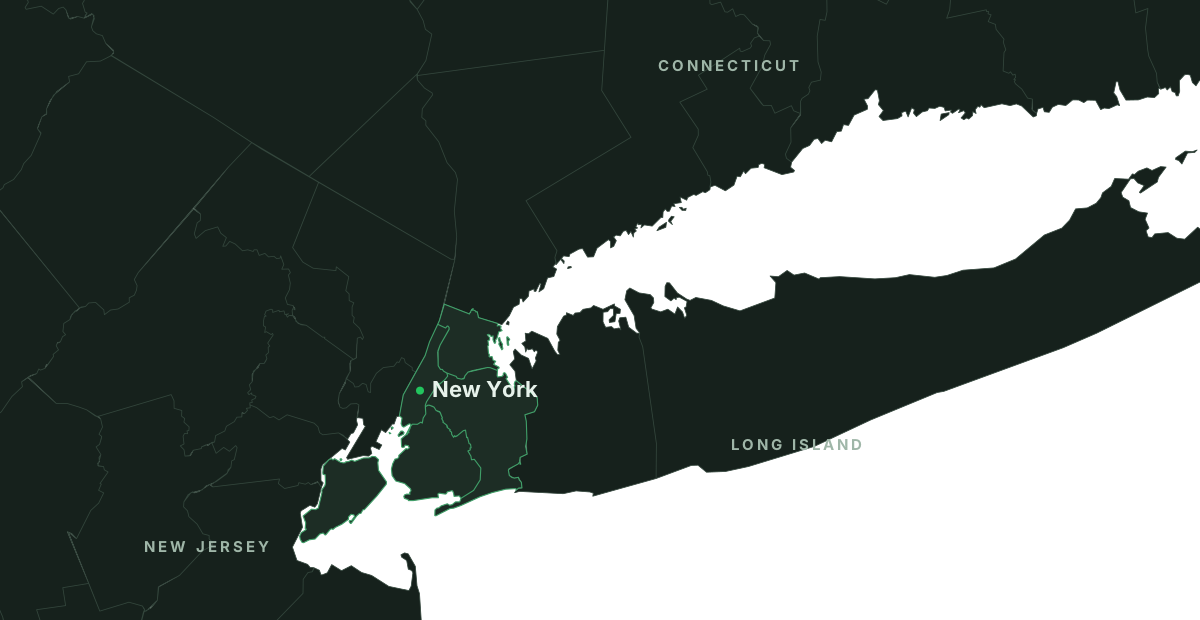
Live in New York. More states coming. BioTrack coming soon.
And the books a wholesale business keeps: invoices, collections, commission statements, pay runs, expenses, P&L and 1099 prep, beside your accountant.
Connect Claude to MJOS and ask about your own stores, orders and money in plain English. It answers from your data, inside your role, and drafts what you ask for. Nothing goes out until you say send it.
How Connect AI worksThe setup wizard walks you through your company, brands, products, team and stores. Everything is included from day one.
No card to start. Then $1,000 a month or $10,000 a year per state. See pricing
I order for a store
Dispensaries and smoke shops: shop your brands, approve quotes, track deliveries and report payments, free.
Have a code from your rep? Enter it hereI work with a brand, distributor or team
Owners, reps, managers, drivers, accountants and brand partners all sign in at the same door.
New teammate? Open the “Set up my account” email from your company first.